
Mobile Banking
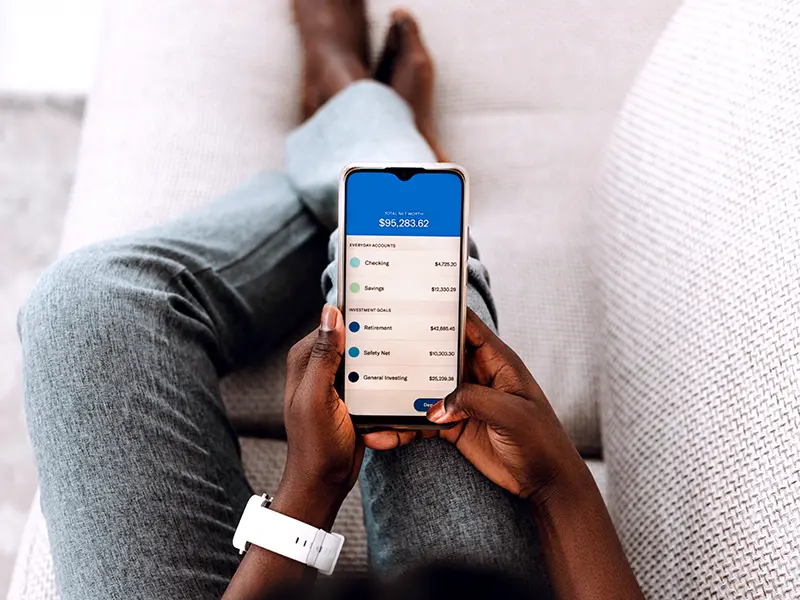
Access to your accounts 24/7 right at your finger tips. Download The Portage County Bank App right on to your smart phone.


Mobile Deposit
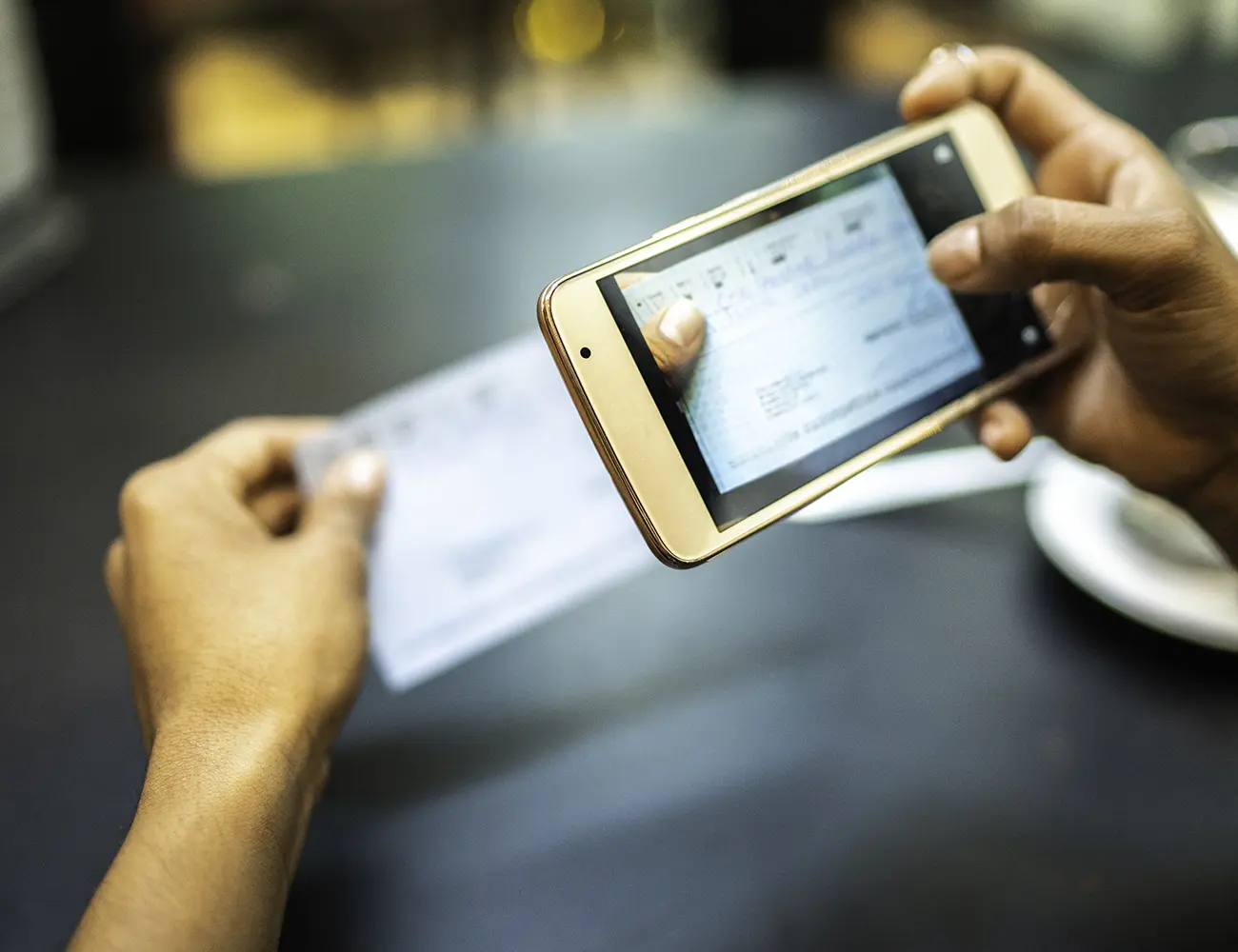
Making a deposit with your mobile banking app is quick, convenient, and secure!
Getting Started With Mobile Deposit
- After logging in, tap the "Deposit" button in the menu bar at the bottom of the screen. Tap "Deposit a Check" from the deposit screen.
- Endorse the back of the check with the verbiage "For Mobile Deposit at PCB" and your account number. Tap "Take photos" to proceed.
- Take a photo of the front and back of your check following the on-screen instructions.
- If you need assistance taking your photos, tap the question mark icon in the top right of your screen. This button will prompt you with instructions to get the best results for the images. The photo will be taken for you.
- After taking the photos, tap the "Make deposit" button. This will confirm the check amount and the correct deposit account. You can check the status of your deposit at any time after 3:30pm.
Telephone Banking
1-800-406-9863
Available Training
The Portage County Bank wants all of our customers to have additional knowledge about online security. Below is listed government sponsored websites, which can provide additional training.
The Portage County Bank does not host or sponsor these sites. The Portage County Bank is not responsible if there are any additional fees for any of the training provided by these sites. The Portage County Bank is not responsible for any of the content of these sites. When you click on the links you are leaving the secure The Portage County Bank website.